
Verify Your Battery
Enter your battery's MAC address and PIN from the label to download the app.
Where to find your MAC and PIN
Check the label on your DS4A battery. Can't find it? Contact support.
Installation Steps
- Download the APK file after verification
- On your Android device, enable Install from unknown sources in Settings
- Open the APK file and tap Install
- Launch app and grant permissions when prompted (Bluetooth and Location)

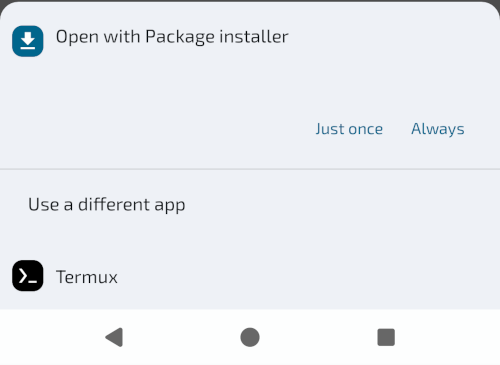
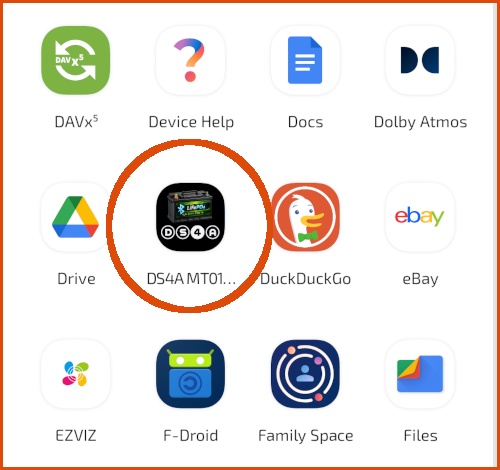
Location permission is required by Android for Bluetooth scanning - the app doesn't track your location.
- Make sure your DS4A battery is charged > 20% is powered on
- Enable Bluetooth on your Android device
- Open the app and tap the Connect button (Bluetooth icon)
- Select your BMS from the list (usually named "DS4A-" or similar)

- Wait for the status dot to turn green
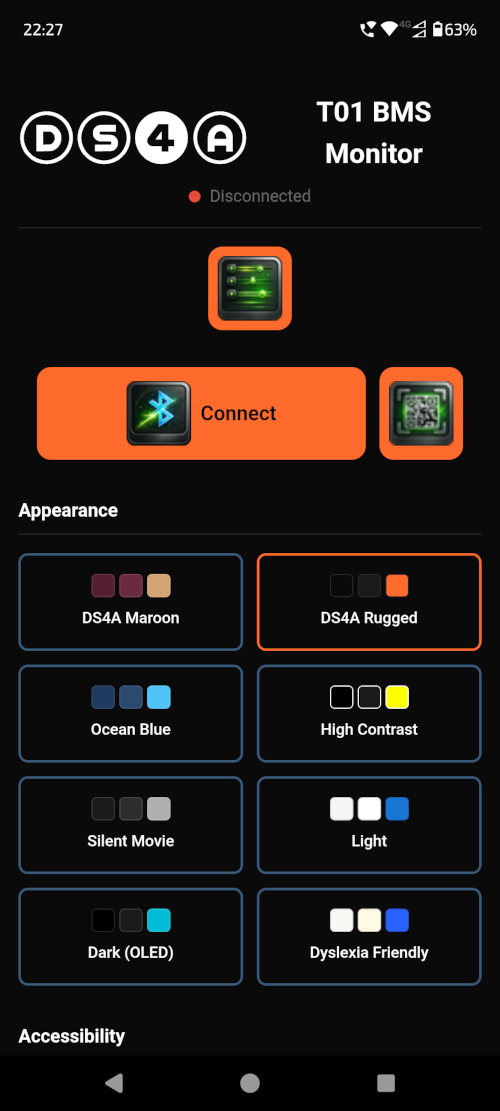
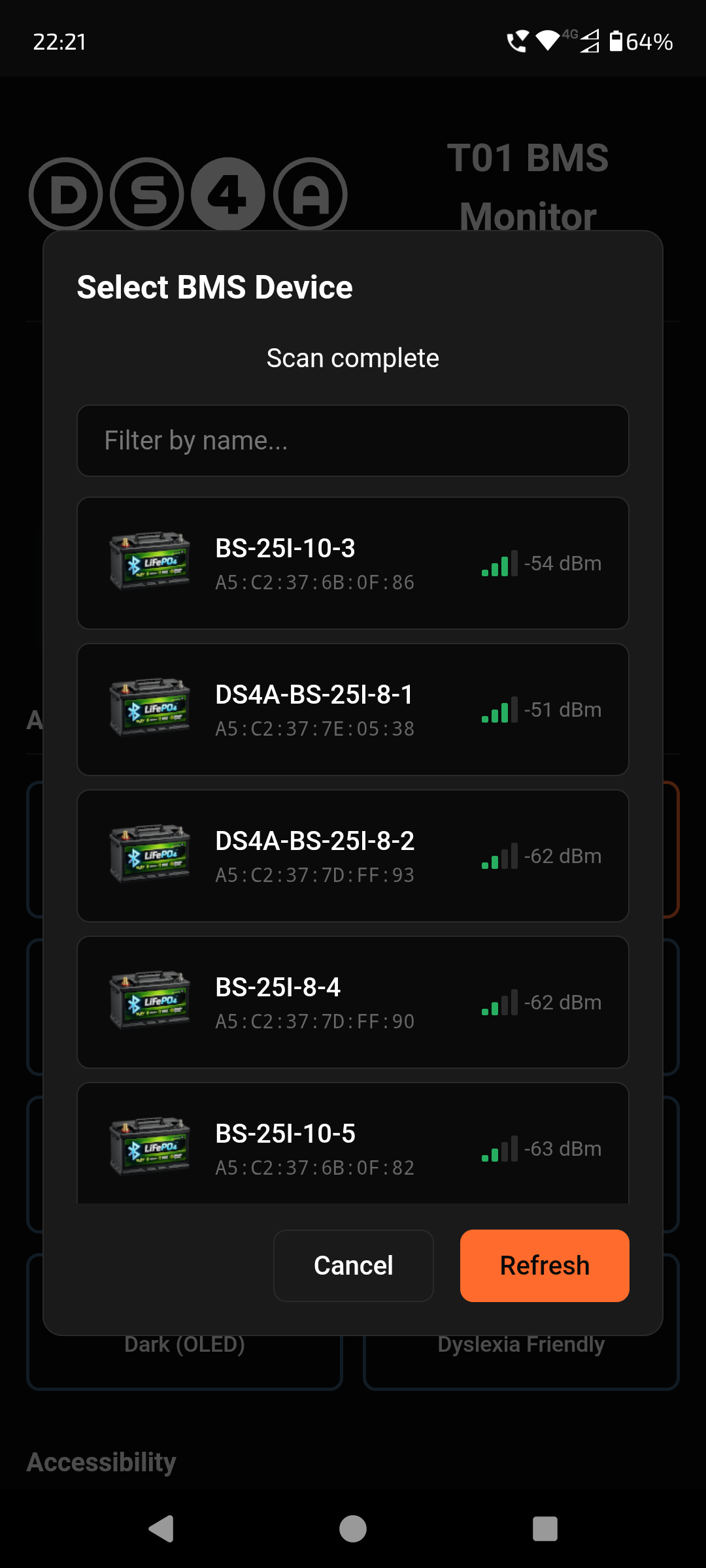
Pro tip: Use the filter box to search by device name or MAC address if you have multiple BMS units nearby.
Once connected, the Dashboard shows real-time data:
- SOC - State of Charge (battery percentage)
- Voltage - Pack voltage in Volts
- Current - Charge/discharge current in Amps
- Temperature - Sensor readings in Celsius
- Cell Voltages - Individual cell readings with min/max/delta
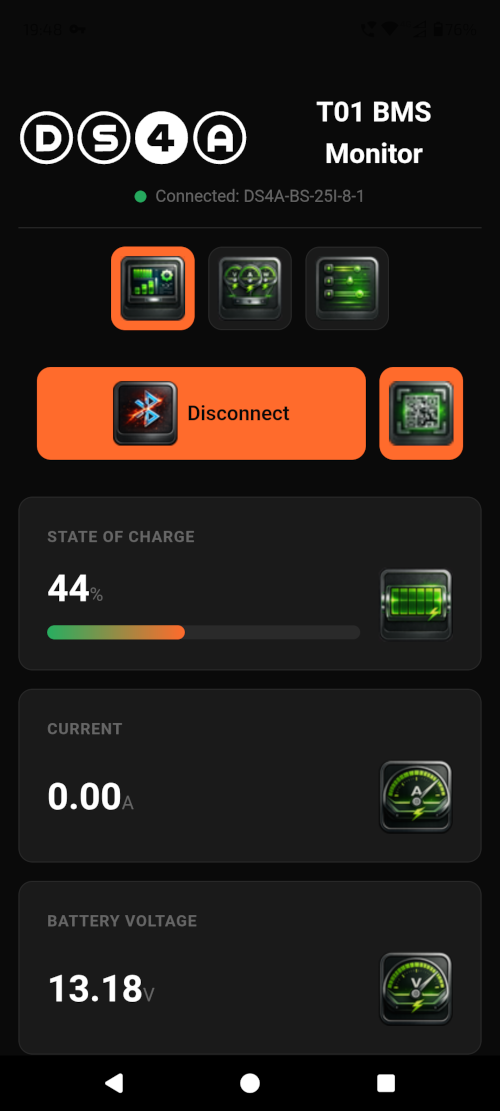
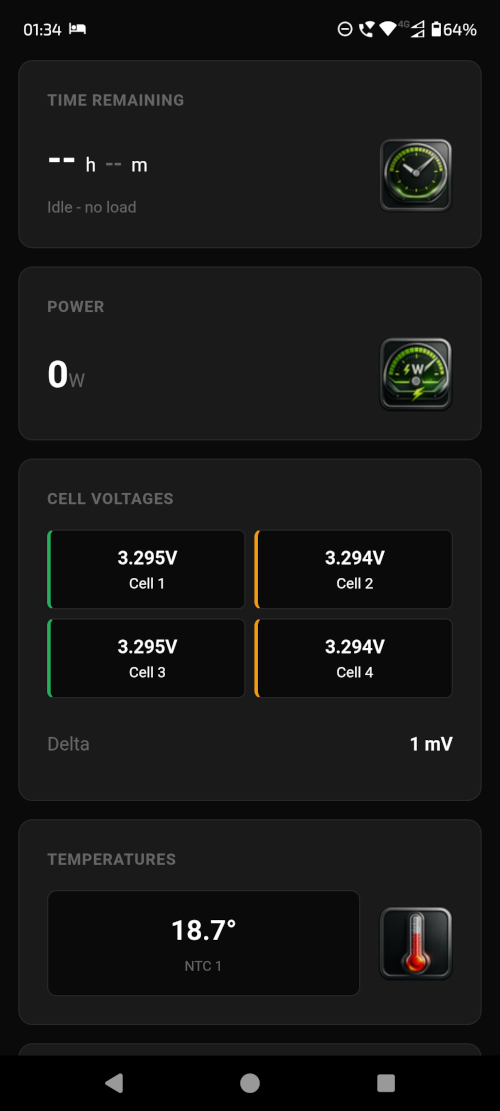
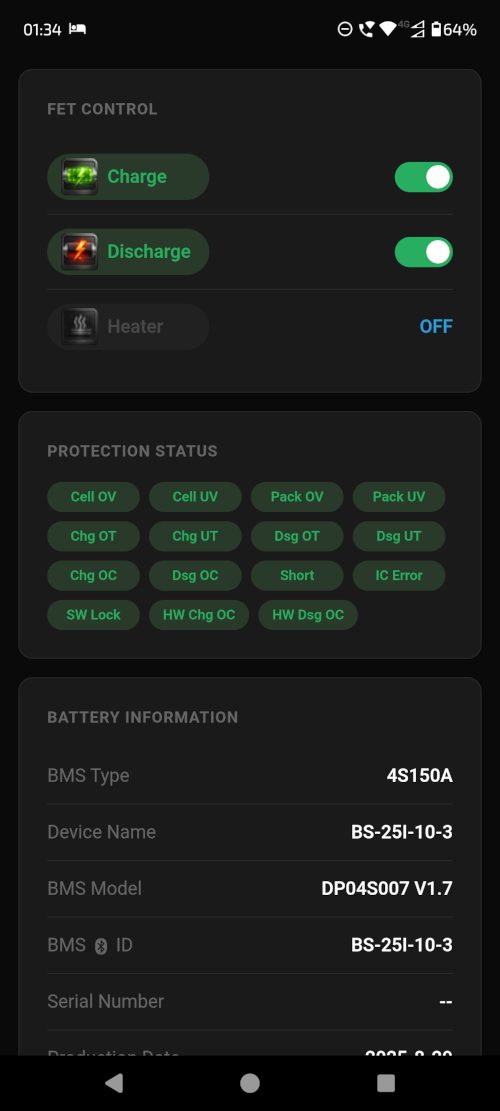
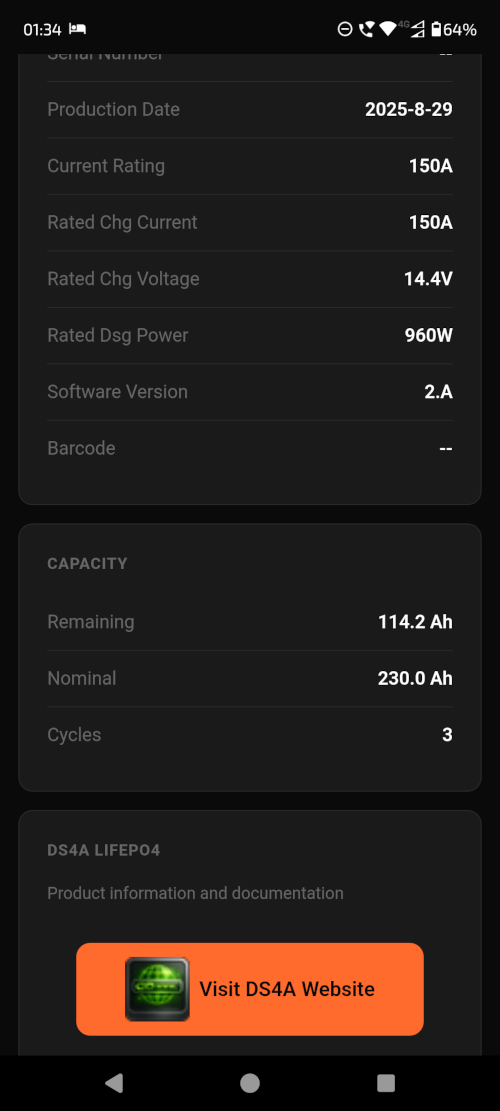
You're all set! The dashboard updates automatically while connected.
Quick Reference
📊 Dashboard
Real-time battery status - voltage, current, SOC, temperatures
📋 Parameters
View BMS configuration and protection settings
⚙️ Preferences
Change themes and enable speech
📤 Export
Tap the export icon to save readings as JSON
📷 QR Scan
Scan BMS QR code for quick connection
Common Issues
Can't find BMS?
Check BMS power, move closer, restart Bluetooth
Connection drops?
Move closer to BMS, check for interference
Values not updating?
Check green status dot is pulsing, try reconnect
Need more help?
See full manual or contact DS4A support
Need More Details?
The full user manual covers all features, advanced configuration, and troubleshooting.
View Full User Manual